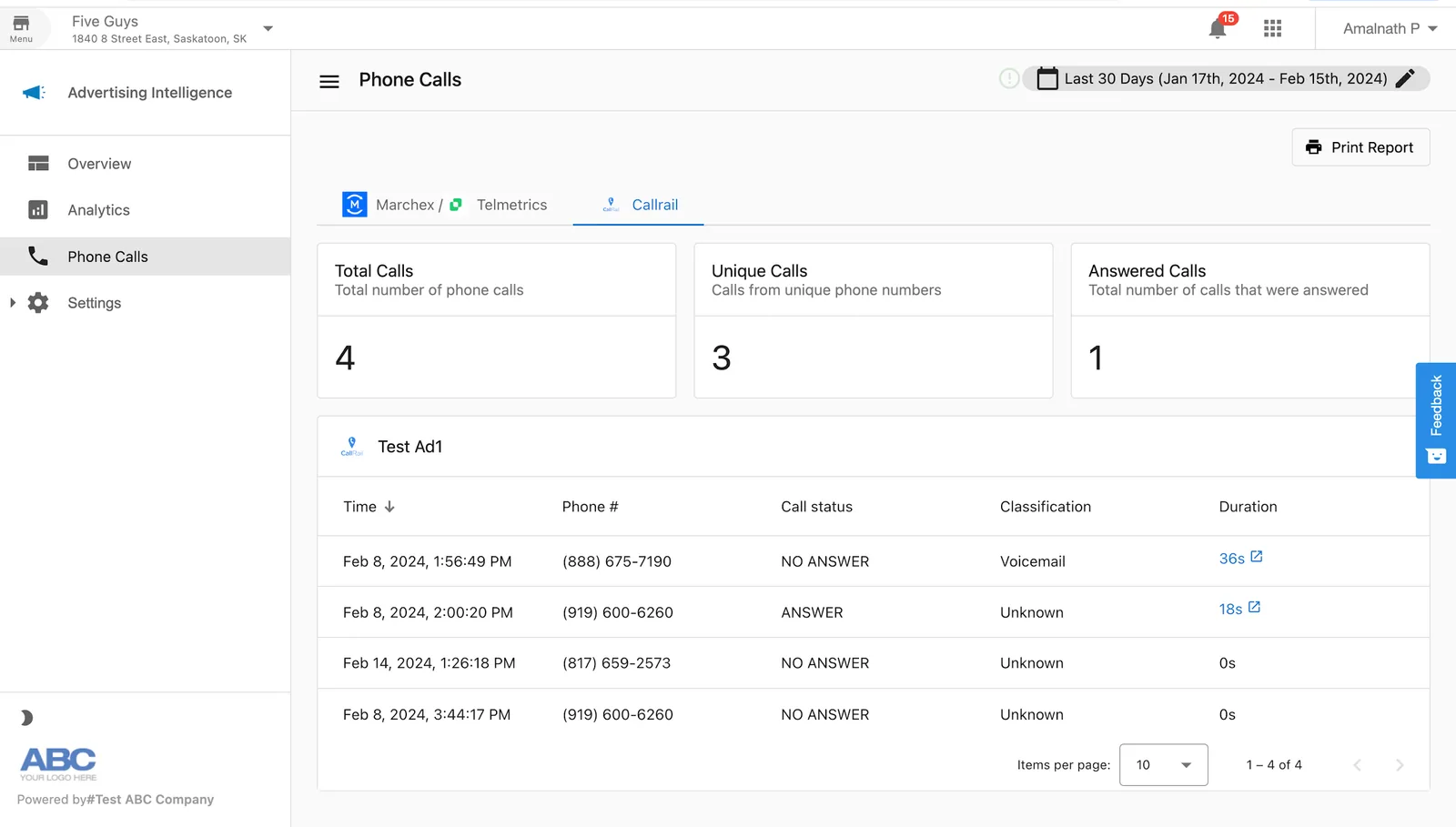
Connect CallRail to Advertising Intelligence to view call tracking data.
Requirements
CallRail connection requires Advertising Intelligence Pro. You also need:
- A CallRail account with access to your API key
How to connect CallRail
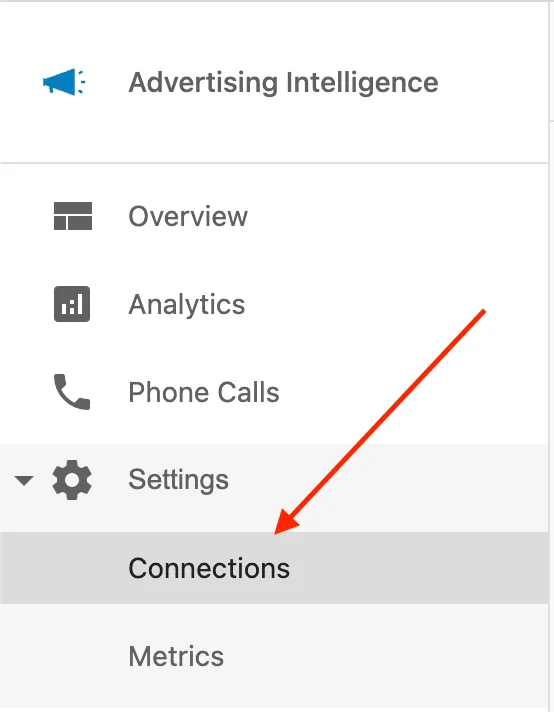
- In Advertising Intelligence, go to
Settings>Connections.
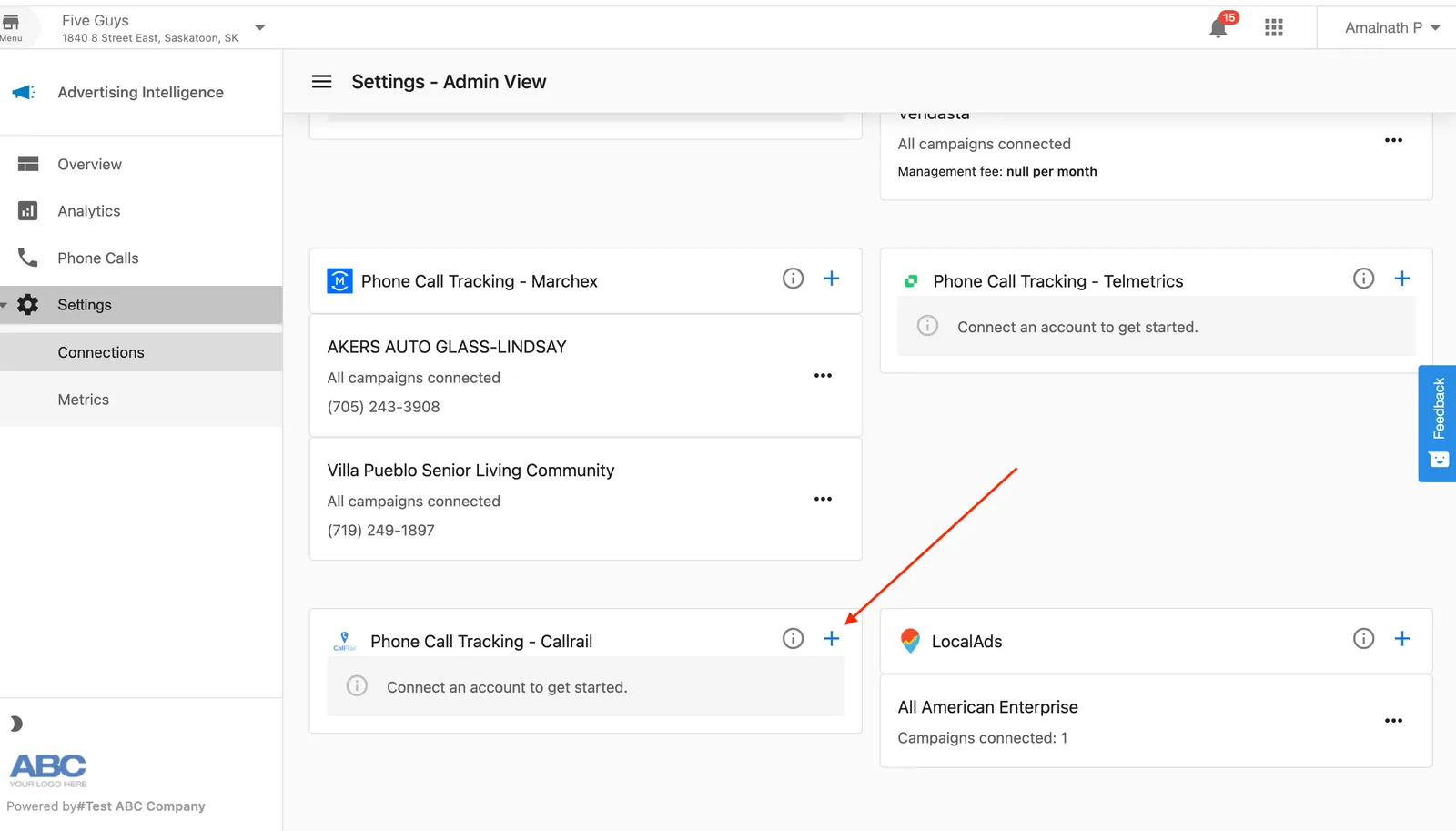
- Select
CallRailfrom the connection options.
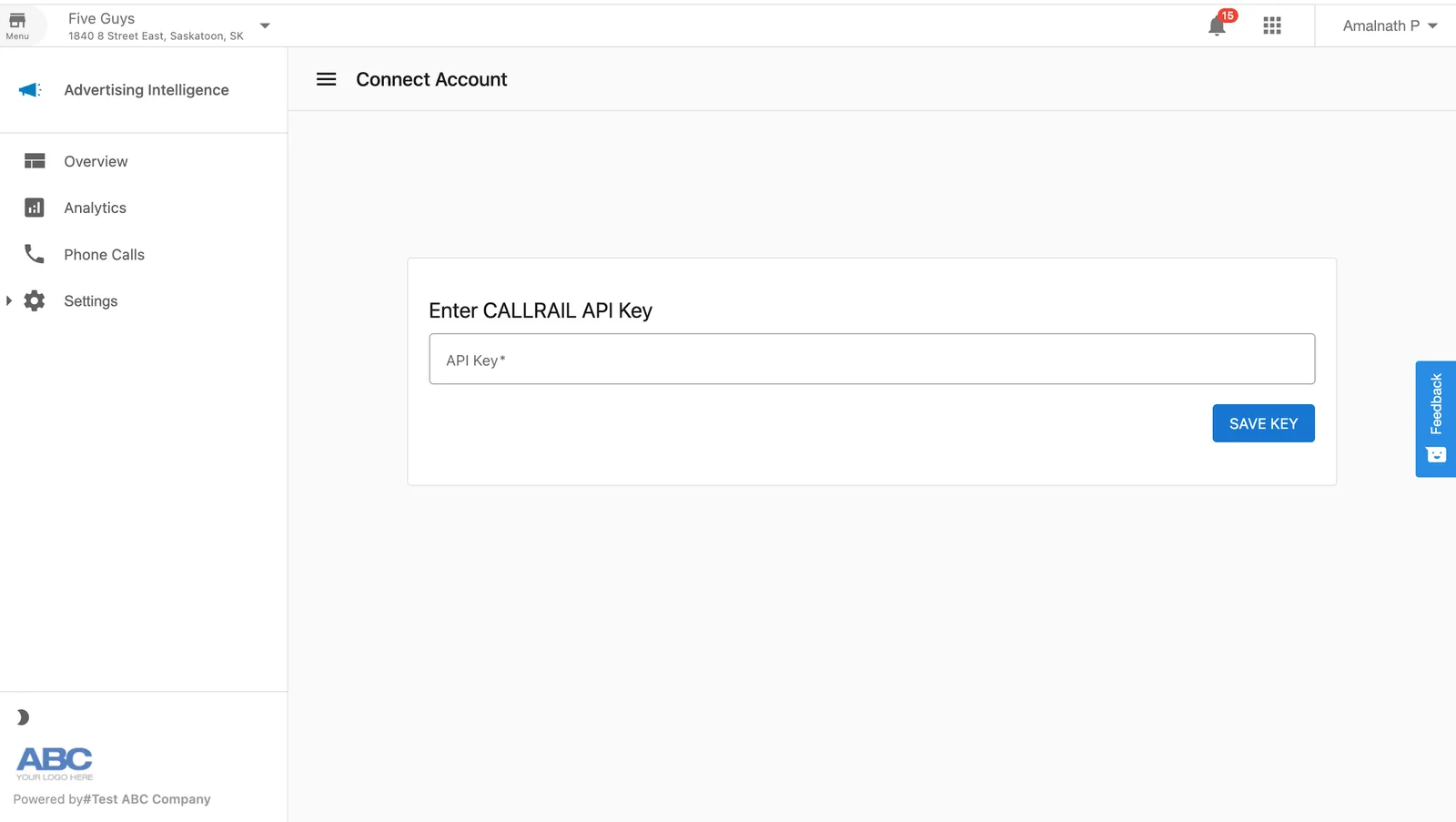
- Enter your CallRail API key in the field provided.
-
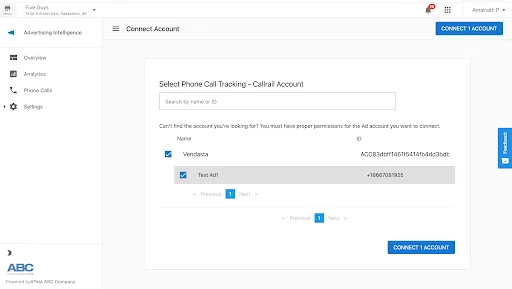
Select a campaign from the list that appears. Selecting a campaign is required to complete the connection.
-
Select
Connect Account.
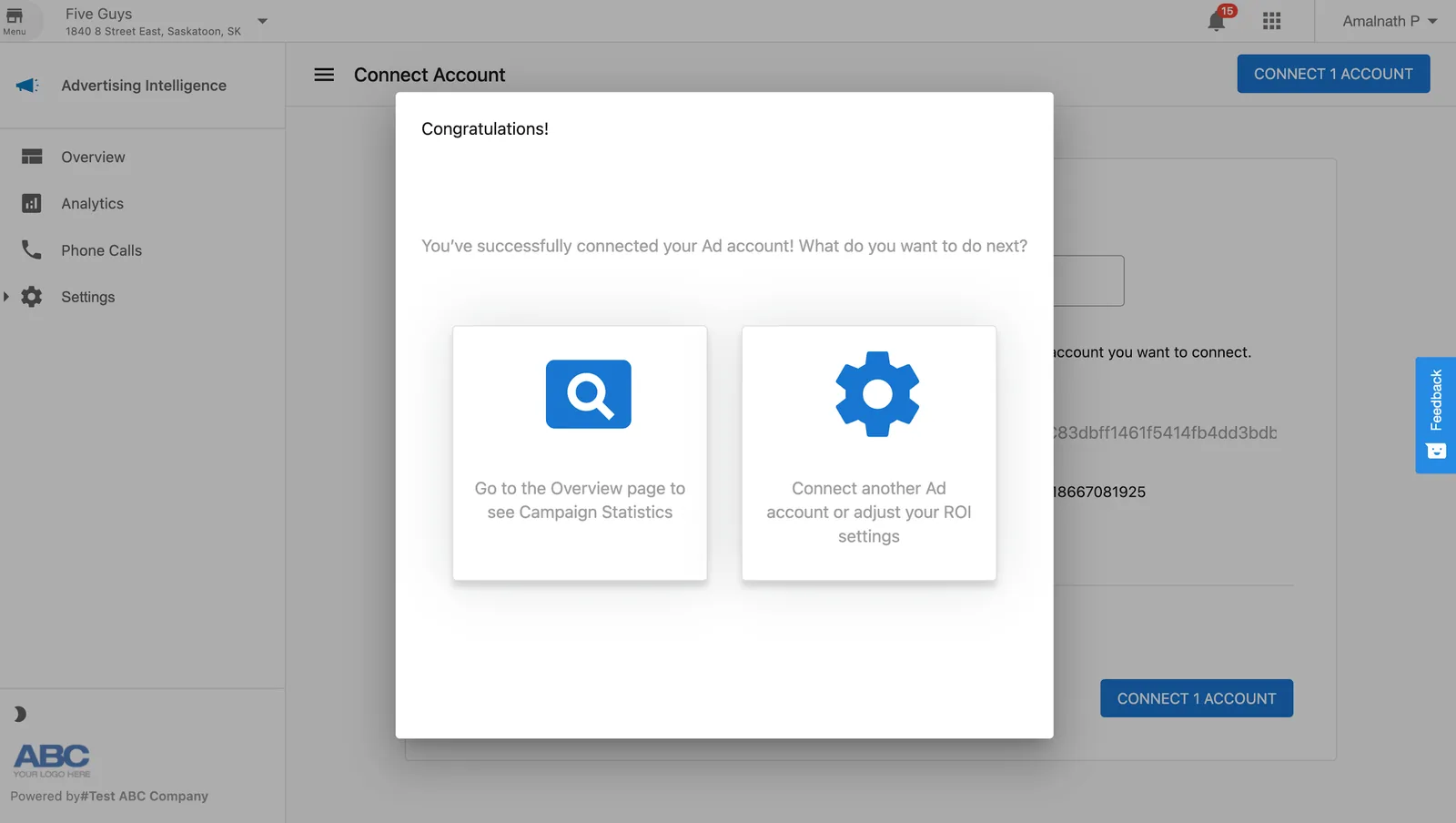
- Advertising Intelligence confirms that CallRail is connected.
Viewing CallRail data
After connecting CallRail, view your call data in the Phone Calls page of Advertising Intelligence.