
Companies
Use Companies to manage the organizations you sell to and serve. Keep company data accurate, track engagement, and associate contacts, opportunities, tasks, and lists.
Why use Companies?
- Central reference for organization data and relationships
- Track engagement across emails, tasks, and meetings
- Associate contacts and opportunities to see full context
- Enrich with custom fields and segment for targeting
What’s Included with Companies?
- Companies table and profile for searching, filtering, and editing records
- Default fields (name, website, address, lifecycle, UTM, source, social URLs, etc.) and support for custom fields
- Engagement fields (last activity, campaign interactions, last contact)
- Associations to contacts, opportunities, and tasks
- Activity logging for notes, emails, calls, meetings, and tasks
- Find Accounts to discover and add local businesses in bulk
How to Use Companies
View and manage companies
- Go to
CRM>Companies. - Search, sort, and filter the table to find the right records.
- Click a company to open the profile and edit details, review engagement, and manage associations.
Log activity on a company
- Open a company profile.
- In the activity area, choose the activity type: note, email, call, meeting, task, or more.
- Add details, outcomes, and follow-up tasks as needed.
Associate contacts and opportunities
- From a company profile, associate related contacts and opportunities.
- Use associations to get full context when communicating and forecasting.
Discover companies with Find Accounts
- Go to
CRM>Companiesand clickFind Accounts. - Search by business type and location, select new businesses, and click
Create companies. - Open
View companiesto work your new list.
Optional: Lead Scoring
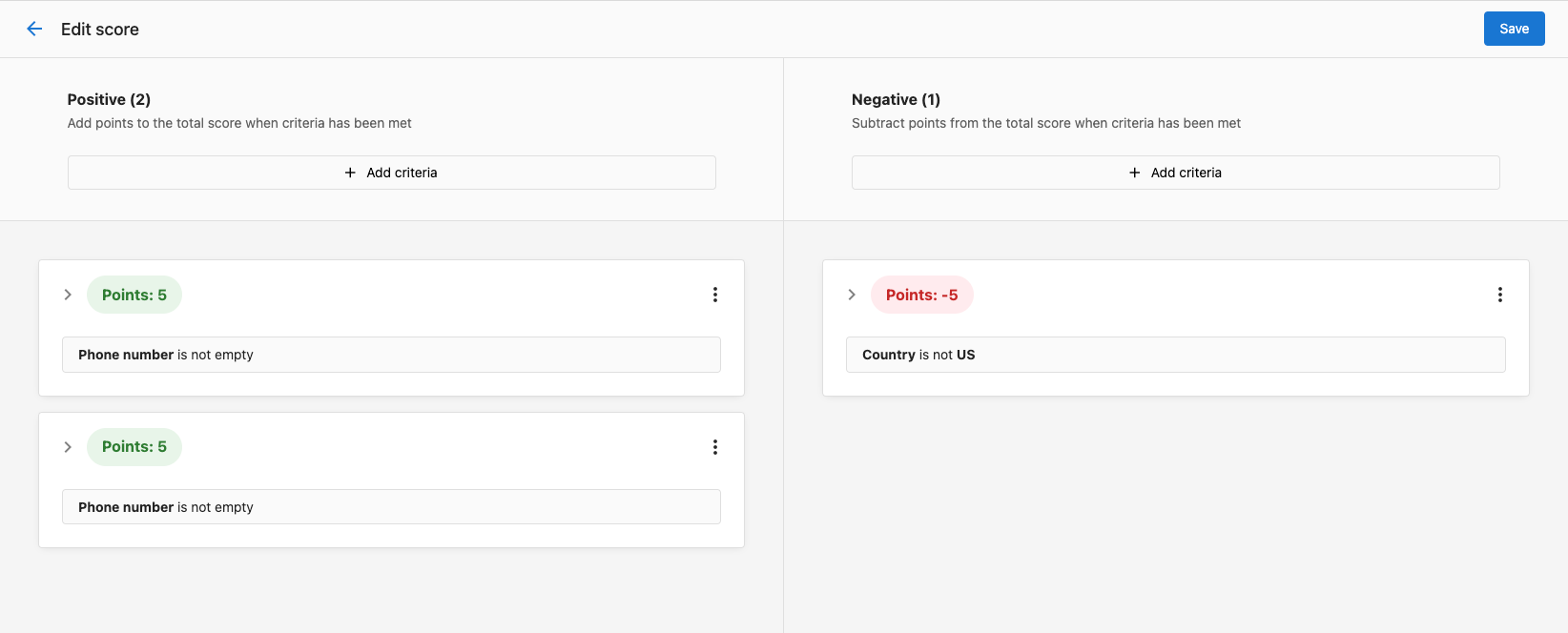
If enabled, configure scoring criteria in Administration > Score and use the score to prioritize outreach in the company table.
Frequently Asked Questions (FAQs)
Company records include identifiers, name, website, address, contact details, lifecycle stage, UTM/source, social URLs, engagement dates, owner, parent company, and more. You can also create custom fields.
Yes. Platform actions like company creation, salesperson changes, and opportunity wins/losses are logged automatically. You can also enable email auto-capture and use automations for additional activity logging.
Yes. Use Find Accounts to search for local businesses and add them in bulk without duplicates.