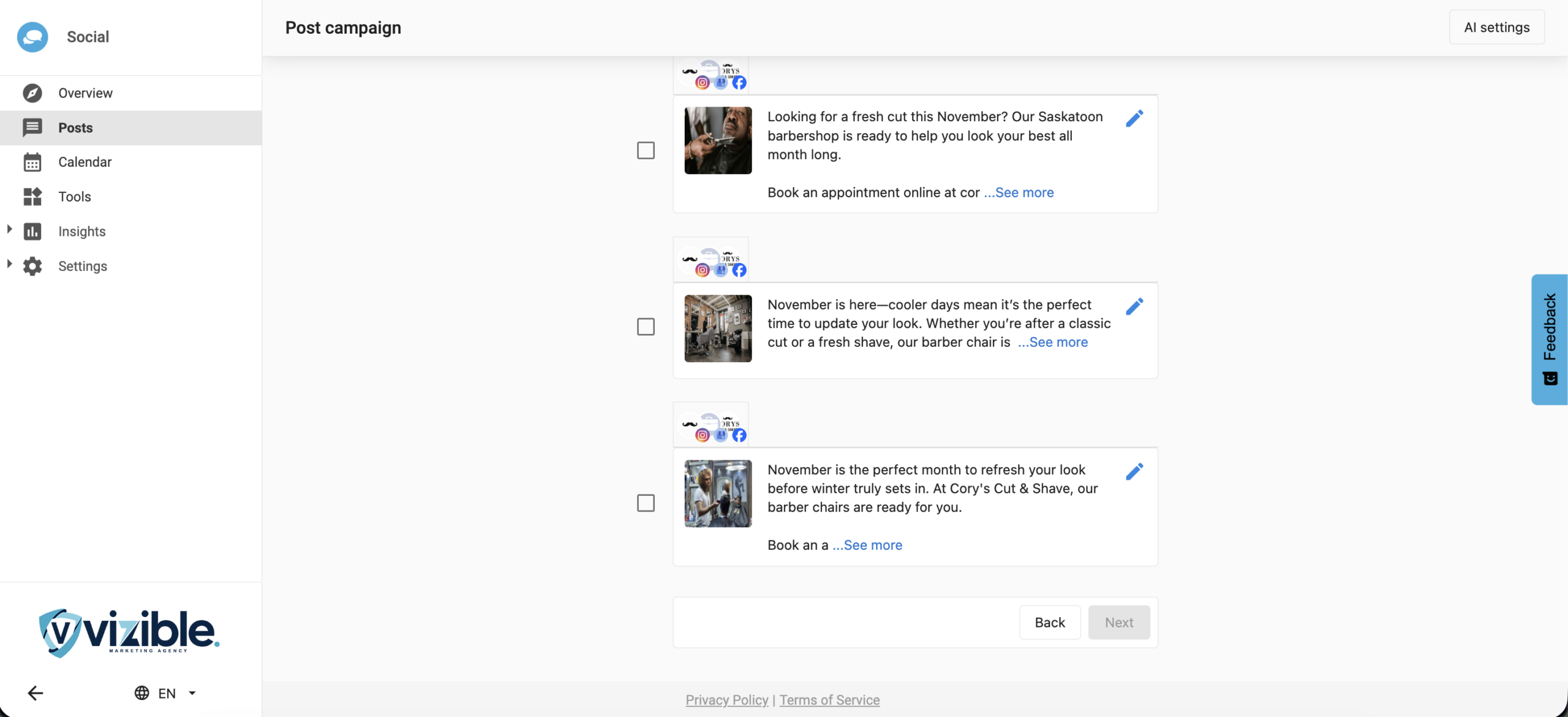
What is the add post feature?
The Add Another Post feature allows you to generate additional AI-created posts directly within the Post Campaign workflow. You can now go beyond the preset options of 3, 6, 9, or 12 posts, up to a maximum of 20 posts per campaign, without restarting the process. This makes it easier to seamlessly create more content within a campaign.
Why is adding posts important?
This feature helps you:
- Extend campaigns without starting over
- Save time by generating extra content instantly
- Maintain consistency across all posts in a campaign
- Improve content scalability for ongoing campaigns
By using AI, you can quickly fill out campaign calendars or adjust content volumes based on new needs.
What’s included in the add post feature?
- An ‘Add Another Post’ button in step 2 of the Post Campaign workflow
- AI-driven generation of additional posts based on your existing topic
- Support for up to 20 total posts per campaign
- Seamless integration with the existing campaign content
How to use the add post feature
- Go to your dashboard and navigate to
Create→Post Campaign Workflow.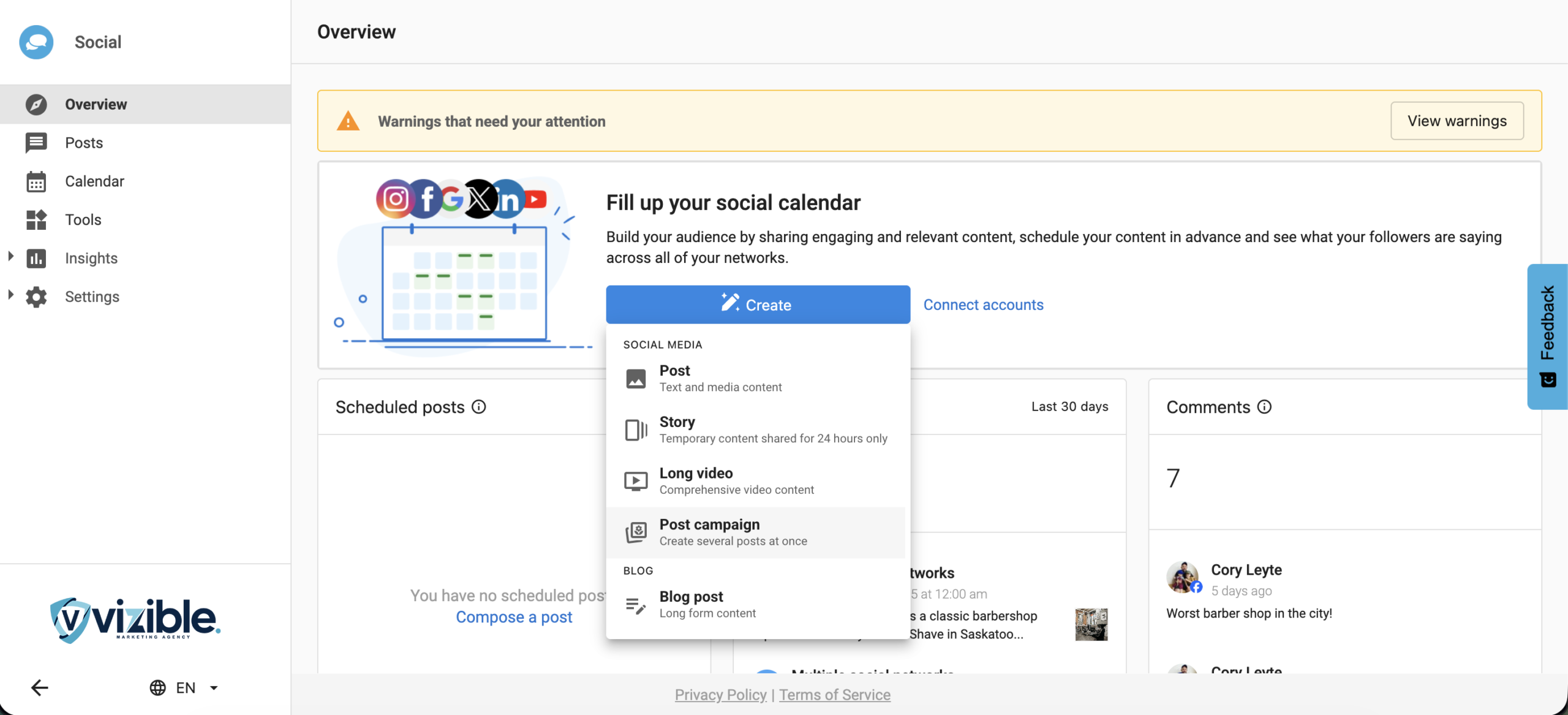
- Enter a topic or subject for the posts.
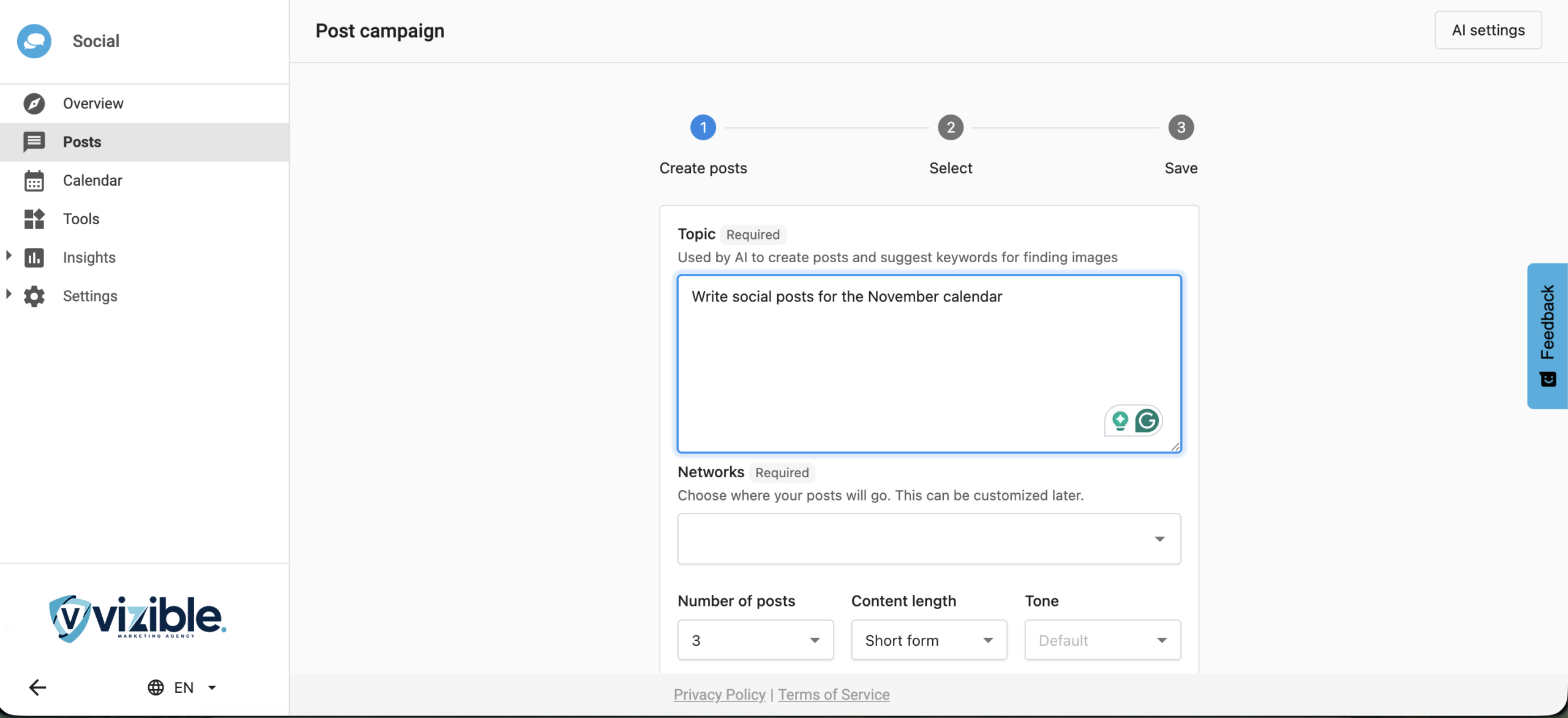
- Choose the social network where the posts will be published.
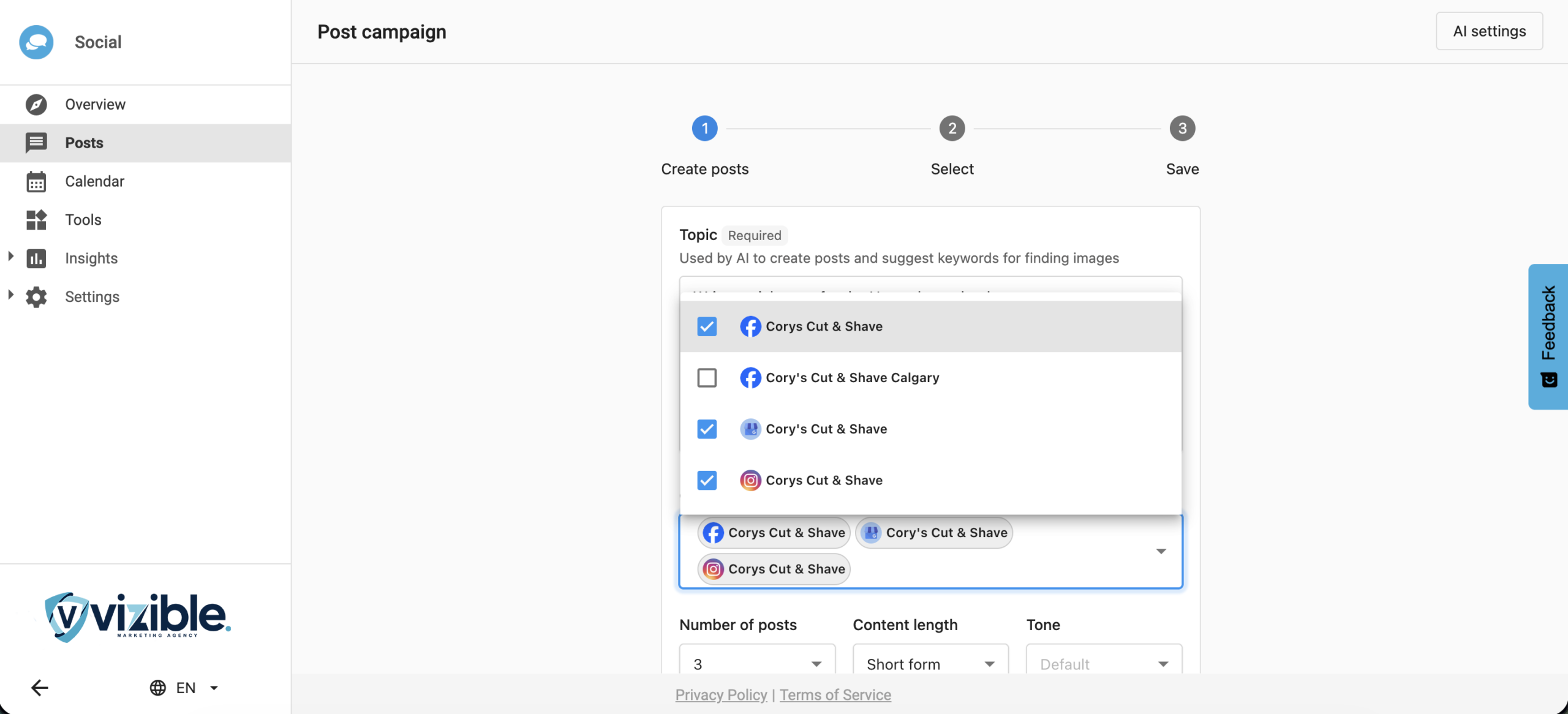
- Select how many posts to generate initially (3, 6, 9, or 12), and set the content length and tone.
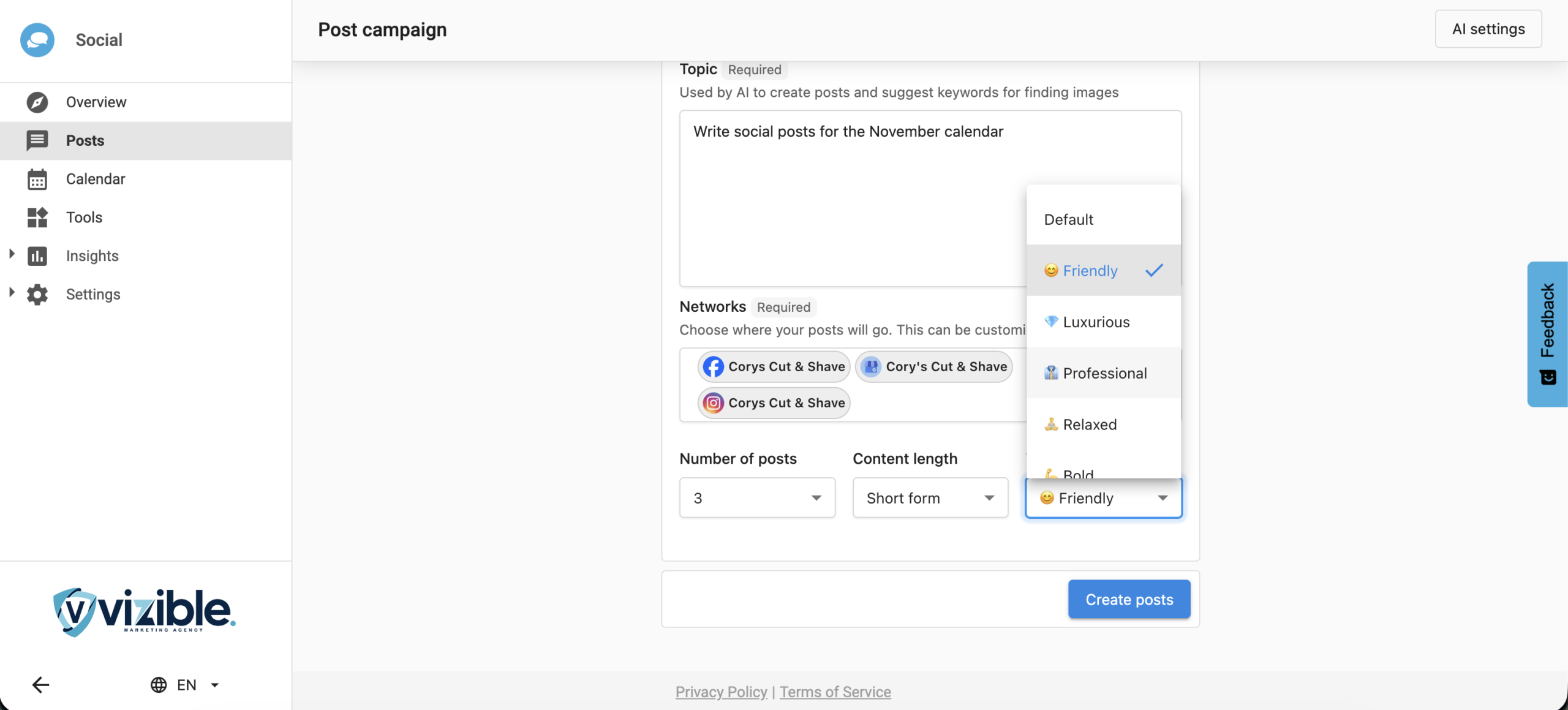
- The AI will generate your first set of posts.
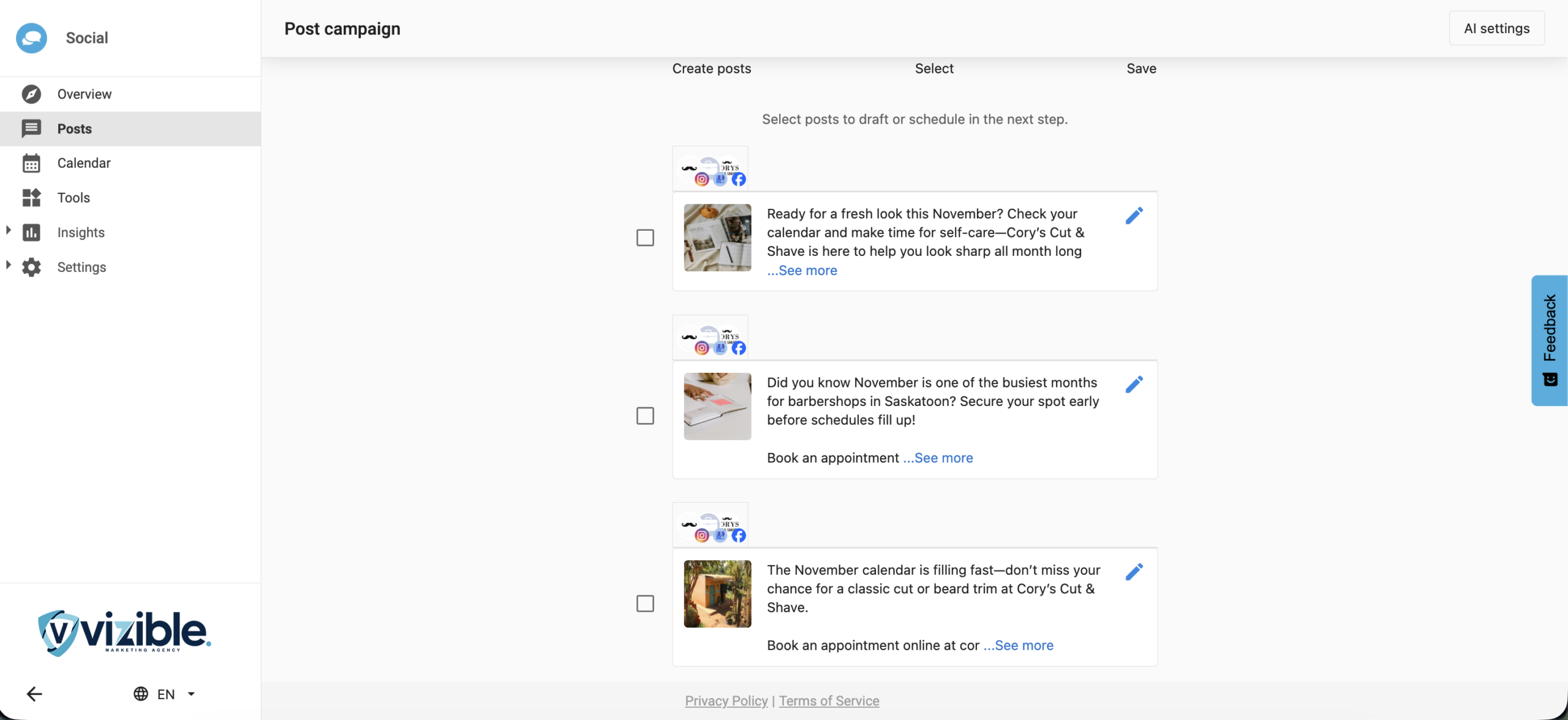
- To add more posts, click ‘Add Another Post’ in step 2 of the workflow.
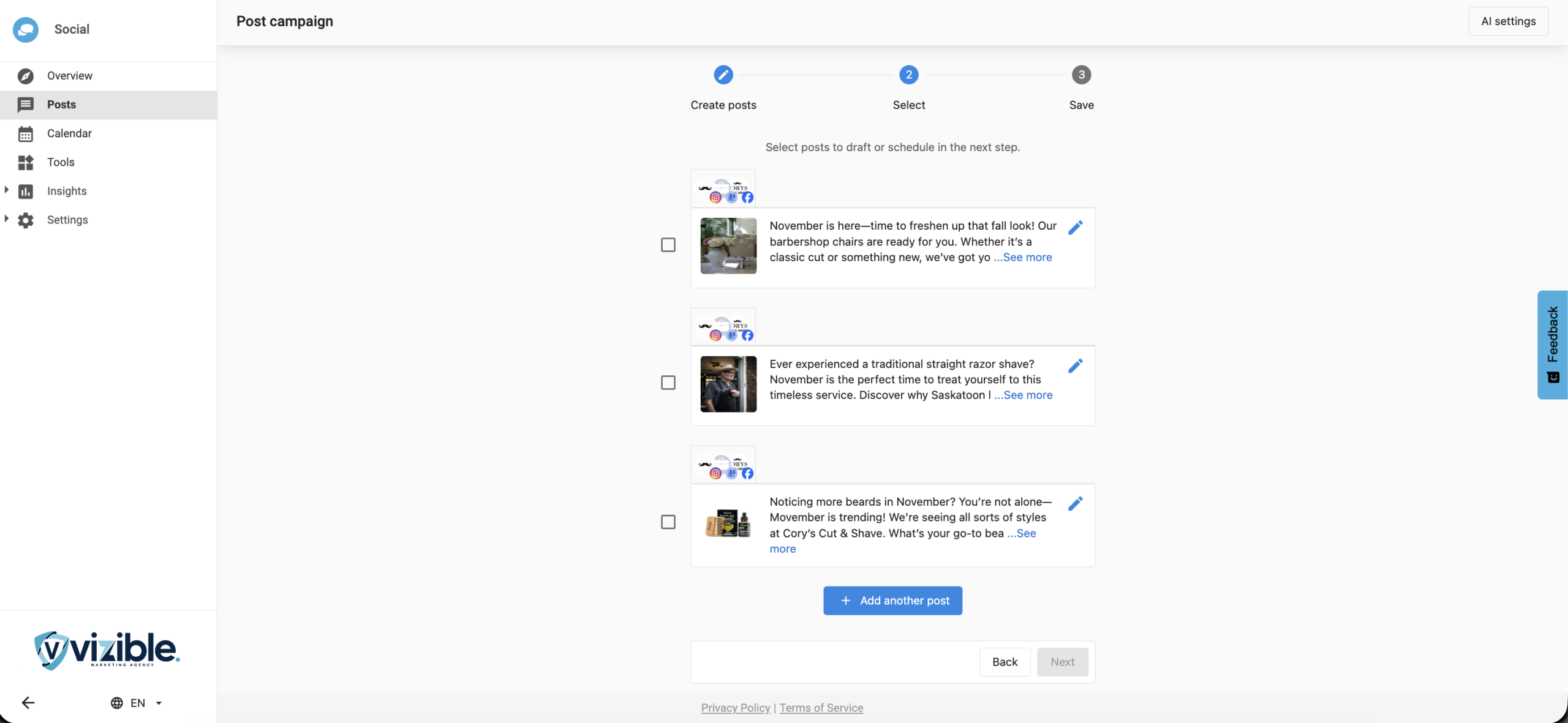
- The AI will generate additional posts based on your topic from step 1.
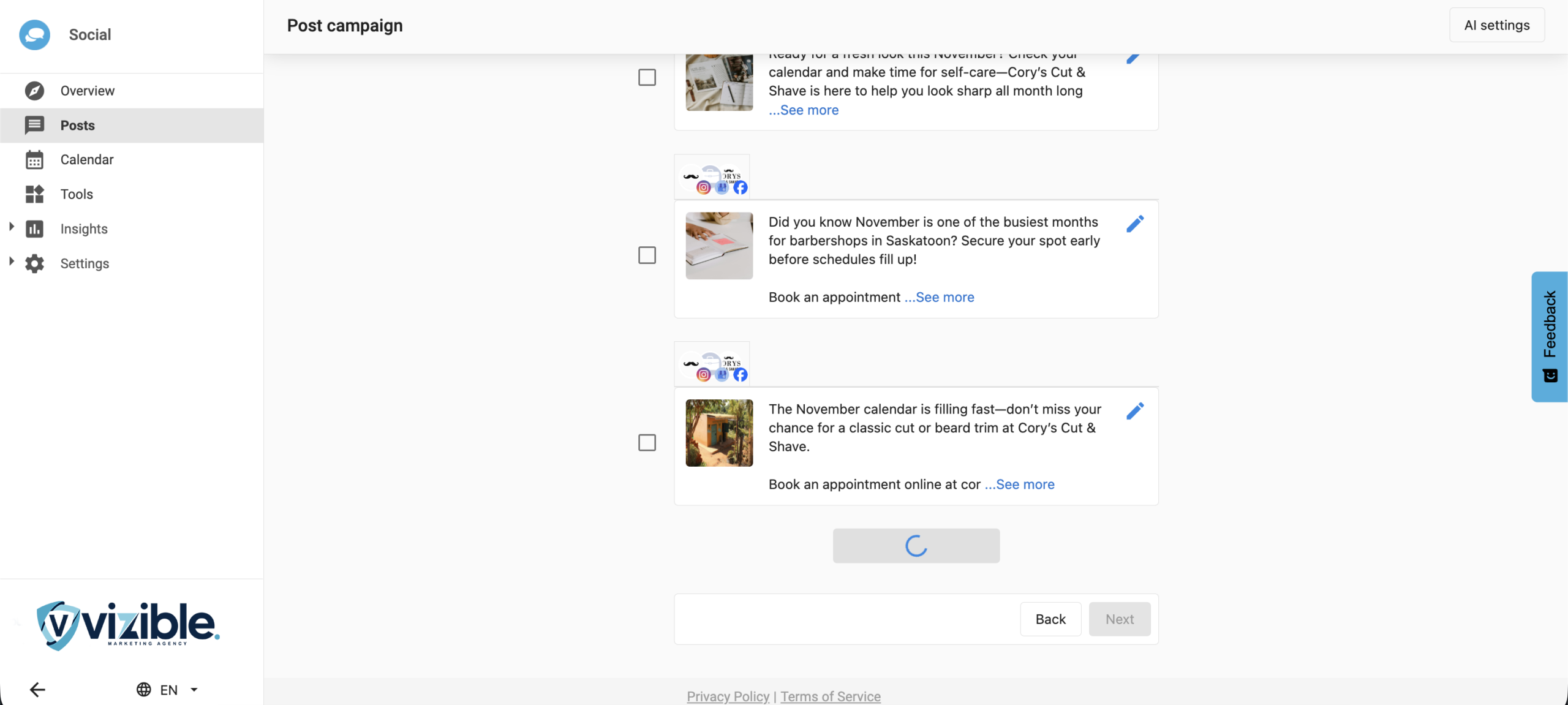
- You can repeat this process until you reach the maximum of 20 posts.