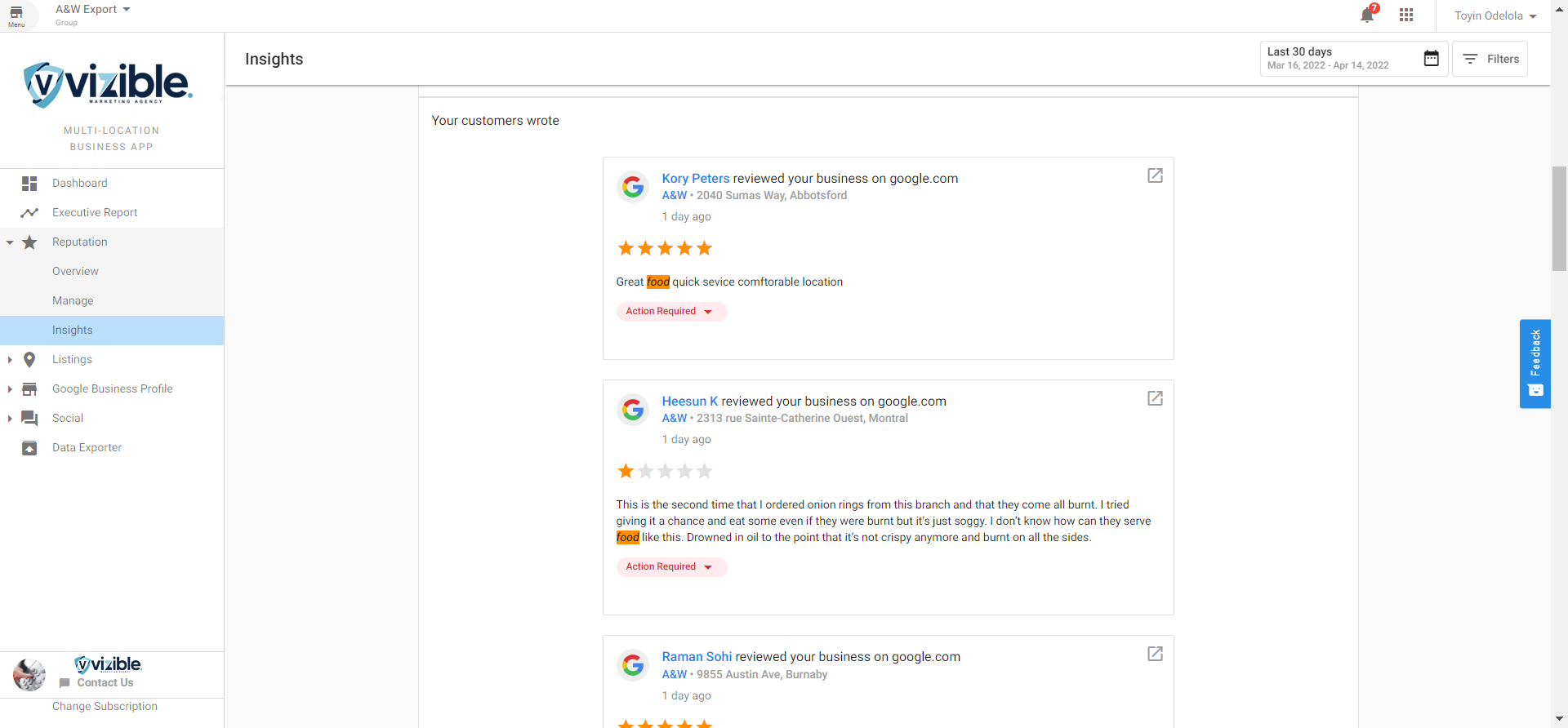
Analytics in Reputation Management helps you gain deeper insight into how your business is perceived online. By analyzing review content and sentiment, you can identify key themes, track trends, and benchmark your performance against competitors.
Why use Analytics?
Using analytics, you can:
- Understand what customers value most
- Detect recurring negative feedback
- Monitor changes in sentiment over time
- Compare your reputation to competitors
- Make informed decisions to improve your service or offerings
What’s included
- Request Performance Metrics – Single Location: Track review request performance for individual locations
- Request Performance Metrics – Multi-Location: Compare metrics across multiple business locations
- Competition: Share of Voice: Benchmark your reputation against competitors
Get started
- Go to the
Reputation Managementdashboard. - Navigate to the
Analyticstab. - Review each section to identify patterns and customer sentiment.
- Use the insights to adjust your service approach or marketing focus.
Trending Keywords
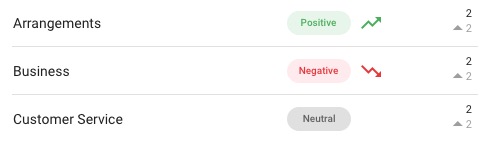
The Trending Keywords report highlights how commonly used keywords in reviews evolve over time. Positive mentions appear in green, and negative mentions appear in red.
Keywords Wordcloud
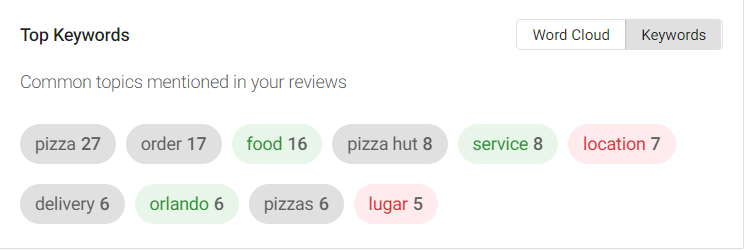
The Keywords Wordcloud shows a visual representation of the most frequently mentioned terms in your reviews. Larger words represent higher frequency.
Machine Learning-Based Insights
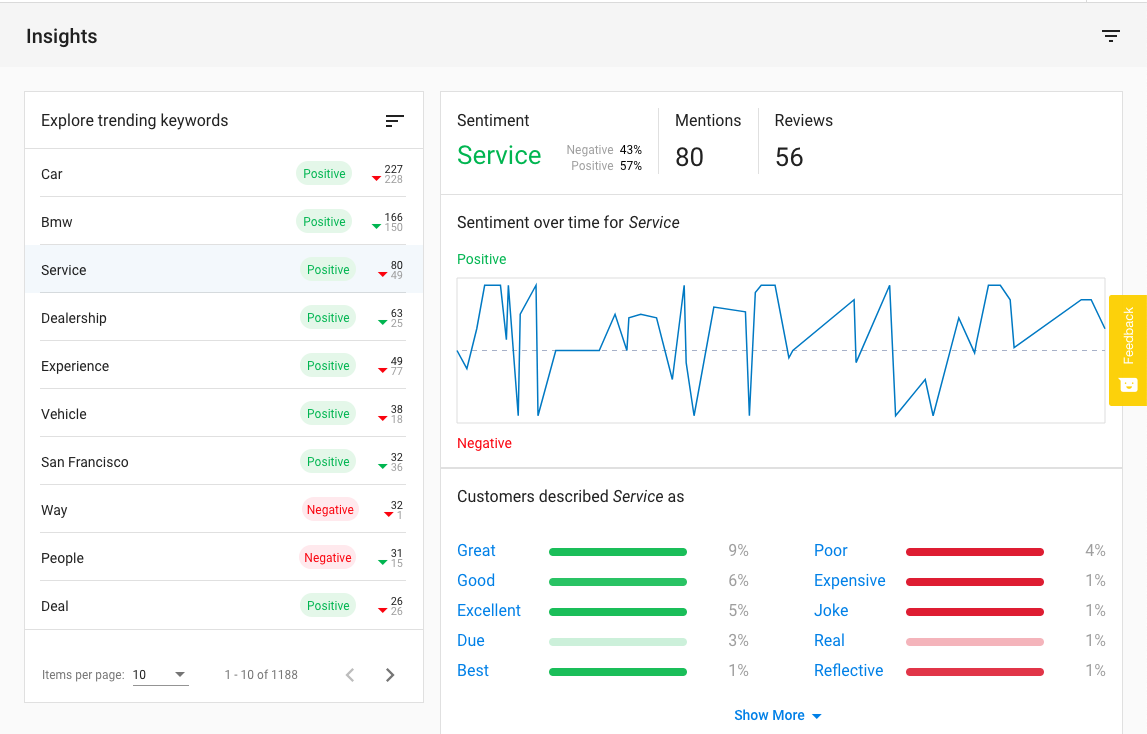
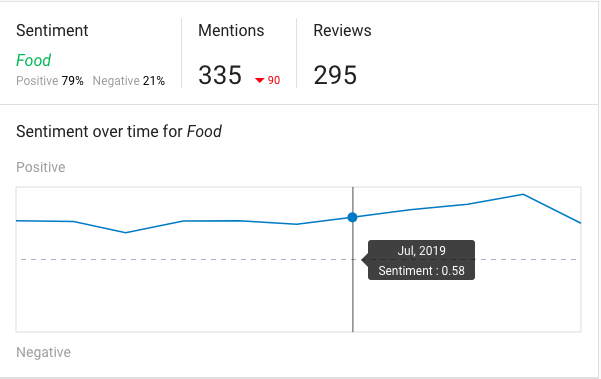
This section uses natural language processing to identify common themes and the overall sentiment of your reviews.
Keyword Details
Keyword Details provides metrics on how often specific terms are used, along with the sentiment associated with each keyword.
Descriptive Words
This section highlights adjectives and other descriptive terms commonly used by your customers, offering insight into how they describe your business.